

Collaborative Design Data & Library Management
OrCAD X EDM & Library Management
Engineering Data Management for collaborative file and revision control — plus OrCAD Library Builder for efficient symbol, footprint, and 3D model creation. All inside OrCAD, on-premise or cloud.
Engineering Data Management
Native Product Data Management for OrCAD
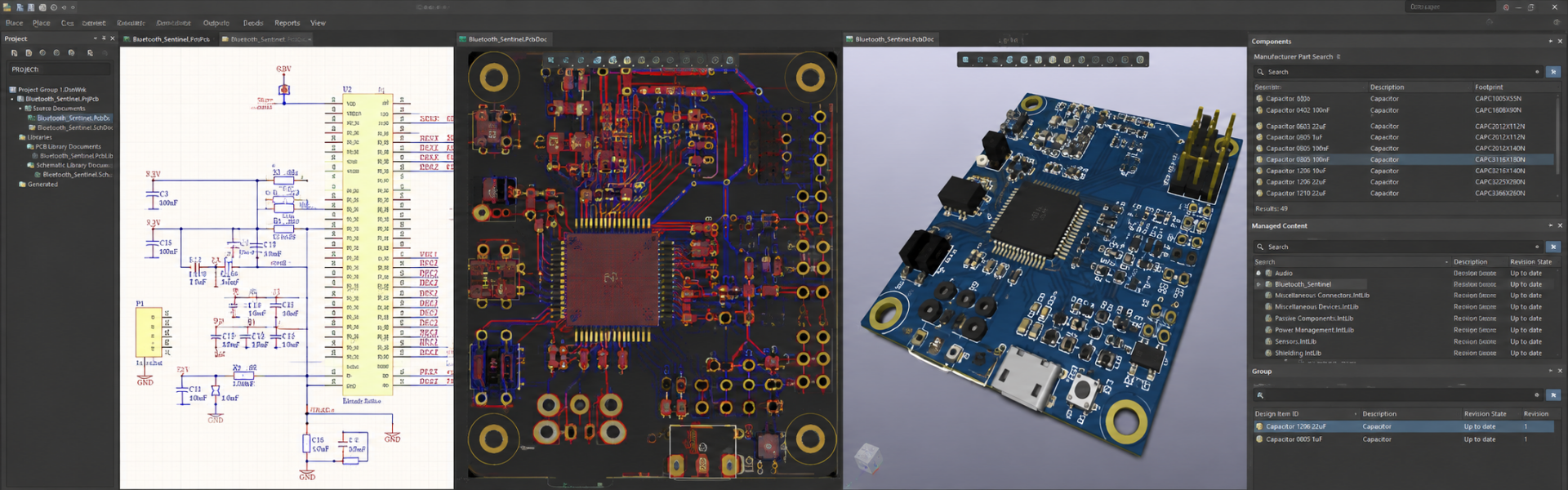
Bring your company's design data into one shared space directly inside OrCAD. Stay connected with a streamlined, collaborative approach to file and library management — on-premise or in the cloud.
Centralized File & Library Management
Effective Team Collaboration
Native Real-Time Dashboard
Automated Revision Control
On-Premise or Cloud Deployment

EDM Capabilities
Built for Real Engineering Teams
Customizable Roles & Permissions
Built-in permissions for managers, librarians, project leaders, and designers. Assign individual pages or sections to specific designers. Create read-only access for stakeholders.
Automated Check-In / Check-Out
Prevent concurrent edits and overwrites. Automatic versioning on check-in. Title block info — dates, users, version history — updated automatically to reduce errors.
Error-Free Release to Manufacturing
Auto-generate and package files from one interface: IPC-2581, ODB++, NC Drill / Route, IPC-356, TestPrep, FabMaster, Pick & Place, PDFs, design files, and BOMs.
PCB Libraries & Validation
Automatically check whether library footprints are in sync with the board file during check-in. Generates a validation report comparing version IDs in the promoted library vs the PCB.
Automated Design Compare
Track, communicate, and review design changes across your engineering team — with automatic comparison and reporting.
Templates
Standardize design setup with company-wide templates included when generating a new data-managed project. Consistency by default.
Promoted Part Libraries
Import schematic symbols, PCB footprints, and pad stacks. Approved parts are promoted and shared across users in a centralized library — linked to one or many projects.
Comprehensive File Support
Manage more than schematic and PCB files — PDFs, spreadsheets, datasheets, and other supportive files all in one workspace.
OrCAD Library Builder
Symbol & Footprint Creation in Minutes
Efficiently create the required schematic symbols, PCB footprints, and 3D models for components in your OrCAD designs. Advanced PDF extraction, intuitive symbol creation, template-based footprint creation, and automated model validation reduce errors and streamline library creation.
Accelerates Symbol & Footprint Creation
Improves Component Model Accuracy
Reduces Library Errors
Saves Time
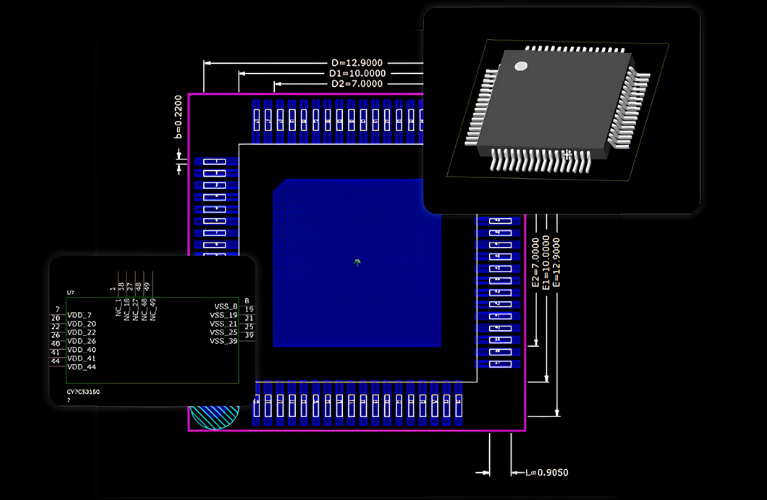
Advanced PDF Extraction
Unique PDF extraction technology — quickly import BGA maps, SOIC diagrams, and complex tables directly from datasheets to jump-start component model creation and minimize human-entry errors.
Efficient Schematic Symbol Creation
Extract datasheet specs, validate data, then auto-assign pins or drag-and-drop pins to desired locations. Intelligently fracture large symbols by user-defined characteristics.
Accelerated PCB Footprint Creation
Template-based — select from BGA, CHIP, DIP, LCC, LGA, PLCC, QFN, QFP, SOJ, SOP, and more. Auto-built to IPC-7351 standards or customizable via a calculator-driven GUI.
Automated Verification Checks
Comprehensive checking and verification tools reduce manual processes during model creation and minimize errors. Cross-probe integration between symbols and footprints.
Intuitive GUI
Easy-to-use environment for editing schematic symbols and PCB footprints. Adjust pads, leads, dimensioning — see direct effects of parameter changes inside the model.
Template Creation
Define and apply corporate standards with templates to ensure library consistency across all designers.
3D Model Generation
Dynamically generate 3D models based on the exact dimensions of your footprints — fast, accurate 3D analysis in ECAD or MCAD for fit and clearance.
Integration to CIP
Library Builder integrates directly into the Component Information Portal — quickly create and link component models to new database parts.
Your Data, Your Choice
On-Premise or Cloud — Both Supported
On-Premise EDM & CIP
For teams with strict security policies or air-gapped networks. Full on-prem deployment of EDM, CIP, and Library Builder. Local install, your own infrastructure, your own backups.
- Full control of data residency
- Works offline / air-gapped
- IT-managed backups & recovery
- Existing infrastructure reuse
OrCAD X OnCloud
Pre-configured cloud workspaces — stand up in minutes. Available to all OrCAD X users. Hosted on AWS with compliance to ISO 27001, SOC 2, FIPS 140-2, and more.
- Fast setup — no IT overhead
- Anywhere / anytime access
- External-collaborator support
- Data residency: US / Japan / China / Europe
Works Well With
Related Products in the OrCAD X Family
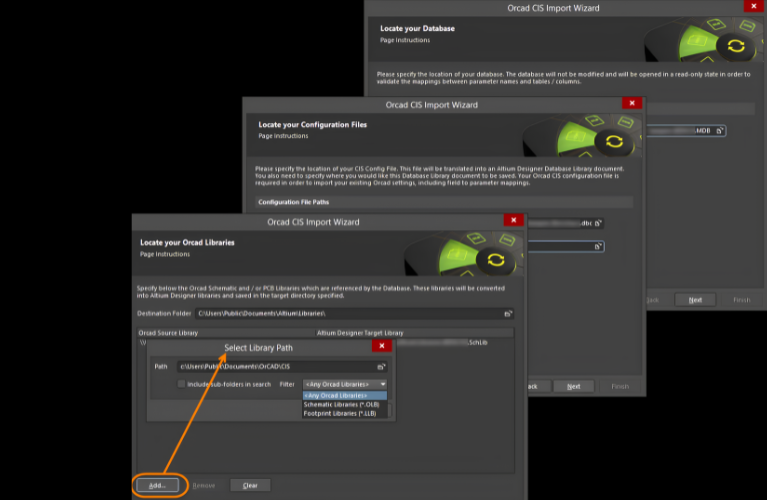
OrCAD X Capture
Industry-standard schematic design — bring you seamlessly from concept through implementation.
Learn More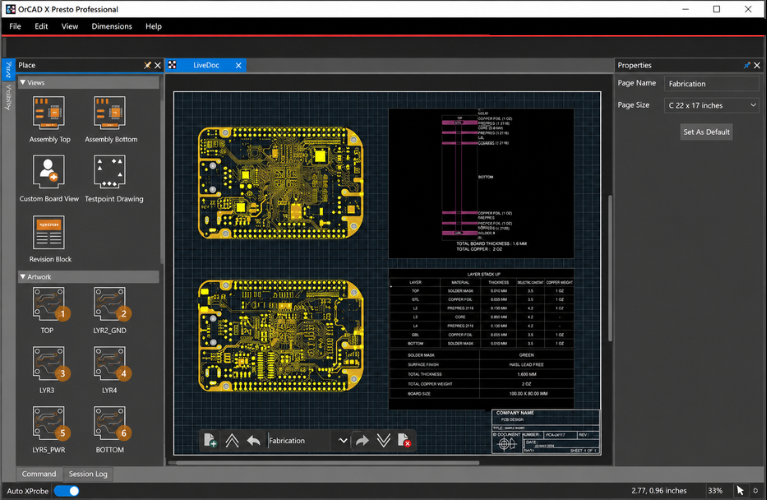
CIP (On-Prem DB)
Component Information Portal — supply-chain-aware component database accessed directly in OrCAD X Capture.
Learn More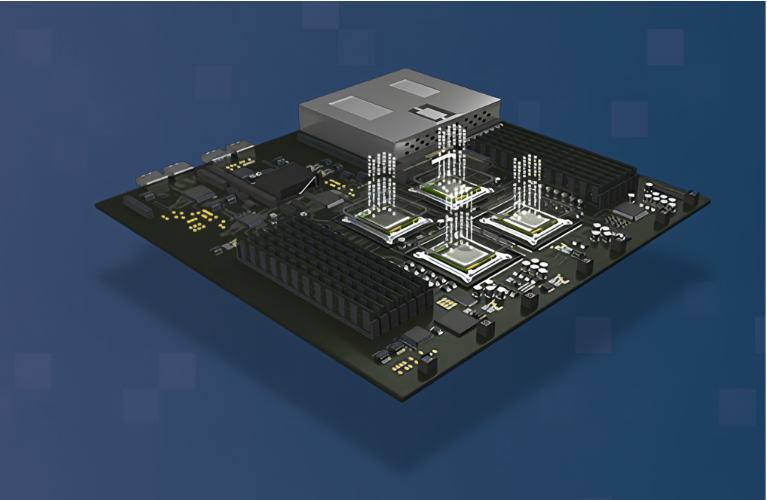
OrCAD X Suites
Standard, Professional, Professional Plus — front-to-back PCB design platforms with built-in EDM and library management.
Learn MoreFAQs
EDM & Library Management — Common Questions
EDM (Engineering Data Management) manages the full design lifecycle — schematic files, PCB files, supportive files, revisions, check-in/check-out, and release-to-manufacturing. CIP (Component Information Portal) manages the component database — symbols, footprints, parametric data, supply chain. They are complementary: EDM for design data, CIP for parts data.
Yes — EDM and CIP can be deployed together on-premise or in the cloud. They are designed to work together to manage both design files and the parts library in one workspace.
Yes — EDM supports integration with PLM systems to surface corporate-approved part numbers and synchronize design data. Contact Craftronics for India-specific PLM integration support.
They are complementary. Ultra Librarian gives you access to a verified library of pre-built models. Library Builder lets you create custom symbols, footprints, and 3D models for parts that aren't in any library — or for parts that need to match your company's footprint standards.
Yes — Library Builder includes advanced PDF extraction. It pulls BGA maps, SOIC diagrams, and complex tables directly out of datasheets to jump-start the model creation process.
Yes — contact Craftronics for trial setup, including EDM, Library Builder, and the on-prem CIP database.
Get Started
Bring Your Design Data & Libraries Under One Roof
Talk to Craftronics about EDM, Library Builder, and the on-prem CIP for your team — India-specific deployment guidance, licensing, and training.