

The Gold Standard in SPICE Simulation
PSpice Designer
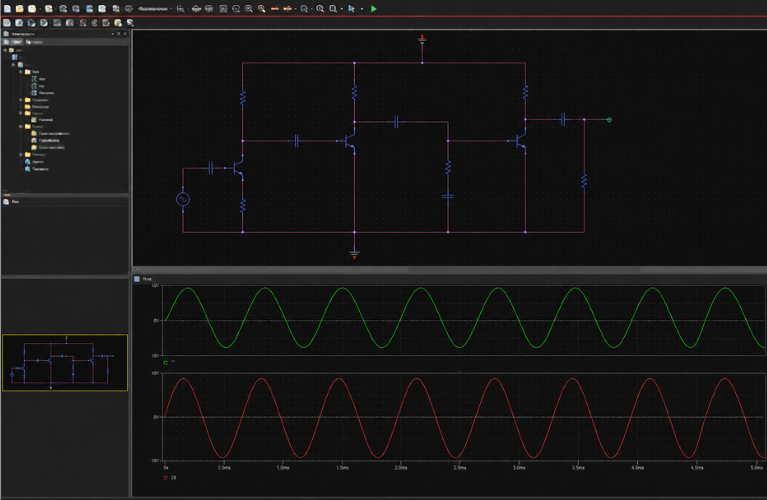
The full-featured SPICE simulator — no node limits, advanced model and stimulus editor, performance and stress analysis. Built for engineers who need professional-grade circuit verification every day.
Overview
Professional SPICE Simulation Without Compromise
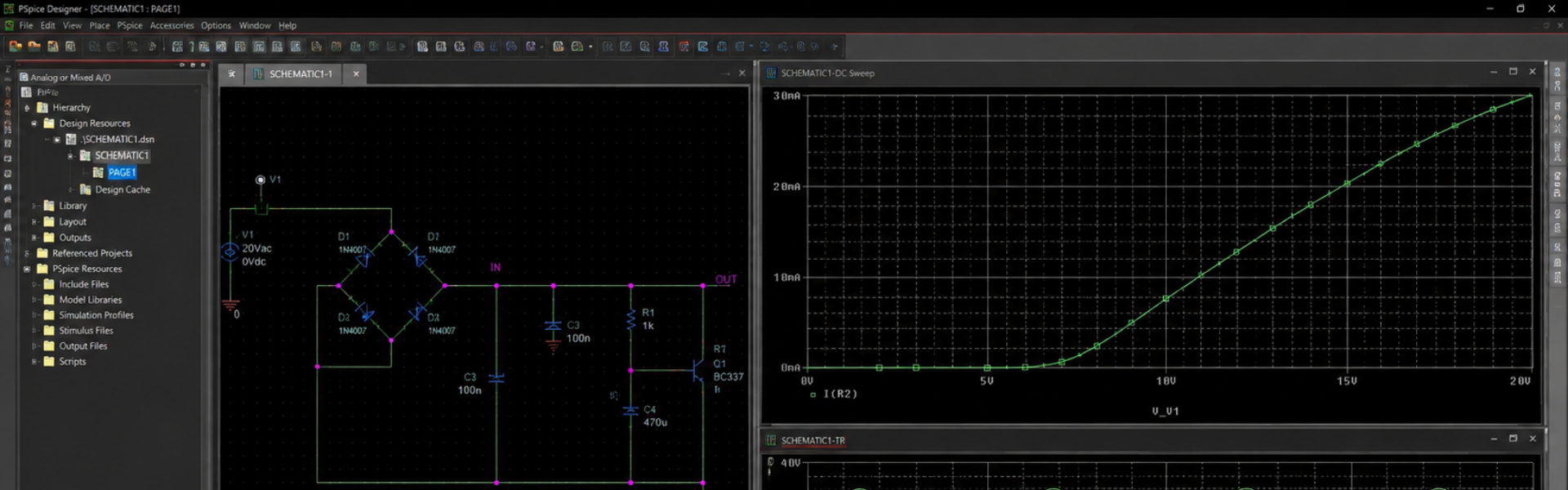
PSpice Designer takes the integrated SPICE that ships free with OrCAD X (PSpice Basic) and removes the limits. Run designs of any size, build custom stimuli, tune models for your specific parts, and perform deep performance and stress analyses — all natively inside the OrCAD Capture environment.
No node limits
Advanced Model Editor
Stimulus Editor
Performance Analysis
Stress Analysis
33,000+ models
Designer Capabilities
Everything in Basic — Plus the Professional Toolchain
No Node Limits
Simulate designs of any complexity — Basic's 250-node cap is removed. Run full enterprise-scale boards, complex SoCs, and multi-domain mixed-signal systems.
Advanced Model Editor
Build, modify, and tune SPICE models with the included Model Editor. Adjust device parameters from datasheets, save versions, and share across your team.
Stimulus Editor
Define custom waveforms graphically — PWL, pulse, sine, exponential, FM, three-phase, noise sources. No more hand-coded sources or imported CSVs.
Performance Analysis
Sweep across parameter sets and instantly compare key performance metrics — bandwidth, gain margin, overshoot, slew rate, power dissipation, and more.
Stress Analysis
Identify components likely to fail under operating conditions — voltage, current, and power stress checked across the design with automated reporting.
Full Model Toolchain
Access advanced analog libraries, the Magnetic Parts Editor, and modeling apps for sources, switches, transformers, capacitors, inductors, and more.
Library & Models
33,000+ Simulation-Ready Models
A vast included library covering everything you need, plus tools to extend it.
Amplifiers & Linear ICs
Analog Behavioral Models
Data Converters
Discretes
Electro-Mechanical
Ideal Devices
Logic Devices
Magnetics
Memory
Optoelectronics
Passives
Power Management
Programmable Devices
Simulator Commands
Sources
Special Functions
Is Designer Right For You?
When to Choose PSpice Designer
Designer is right when…
- You've outgrown the 250-node limit of PSpice Basic
- You build custom waveforms or PWL/pulse stimuli regularly
- You tune SPICE models from datasheets for production parts
- You need rigorous Performance and Stress analysis
- You want the full professional SPICE toolchain at the best value tier
Consider Designer Plus if…
- You need Monte Carlo or yield-driven optimization
- You require MATLAB / Simulink electro-mechanical co-simulation
- You build code-defined DMI models (SystemC, C++, Verilog A/AMS)
- You run component tolerancing or worst-case timing analyses
- You use the Optimizer Engine or Parametric Plotter
FAQs
Designer — Common Questions
PSpice Basic ships free with all OrCAD X PCB design suites and supports up to 250 nodes with the standard model library. Designer removes the node limit and adds the Model & Stimulus Editor, Performance Analysis, and Stress Analysis — making it the full professional SPICE toolchain.
PSpice integrates natively with OrCAD X Capture for the best schematic-to-simulation flow. A separate Capture license is typical for designers running PSpice. Contact Craftronics for the right combined licensing setup.
Yes — PSpice (all tiers) supports analog, mixed-signal, and digital simulation. Designer adds the model toolchain and unlimited nodes that make professional mixed-signal work practical.
The Stimulus Editor lets you graphically define custom waveforms — PWL, pulse, sine, exponential, FM, three-phase, noise — without hand-coding SPICE source statements. Faster setup and fewer syntax errors.
No. Performance Analysis sweeps across a parameter set and reports key performance metrics (bandwidth, gain margin, overshoot, etc.). Monte Carlo and yield-driven optimization are part of Designer Plus.
Stress Analysis identifies components likely to fail under operating conditions — checking voltage, current, and power stress across every component and reporting any that exceed safe operating limits.
Yes — Designer reads the standard SPICE / PSpice (.LIB, .CIR, .MOD) formats, IBIS, and DML models. The Model Editor lets you tune them for your application.
Yes — the 30-day free trial includes PSpice and the full OrCAD X PCB design suite. Contact Craftronics for India-specific trial setup.
Get Started
Get PSpice Designer in Your Flow
Talk to Craftronics for licensing, training, and India-specific deployment of PSpice Designer.