

Beyond Standard SPICE
PSpice Designer Plus
Multi-Corner Monte Carlo, an Optimizer Engine, Parametric Plotter, Component Tolerancing, MATLAB co-simulation, and code-defined DMI models — the most advanced PSpice tier for yield, optimization, and full-system analysis.
Overview
PSpice Advanced Analysis & Optimization
Designer Plus is the top PSpice tier — built for teams that need to optimize for yield, validate across PVT corners, model code-driven dynamic devices, and run full-system electro-mechanical simulations. Everything in Designer plus advanced analysis tools and the bi-directional MATLAB / DMI flows.
Multi-Corner Monte Carlo
Optimizer Engine
Parametric Plotter
Component Tolerancing
MATLAB / Simulink
SystemC / Verilog AMS
Advanced Analysis
Everything in Designer — Plus Optimization & Yield
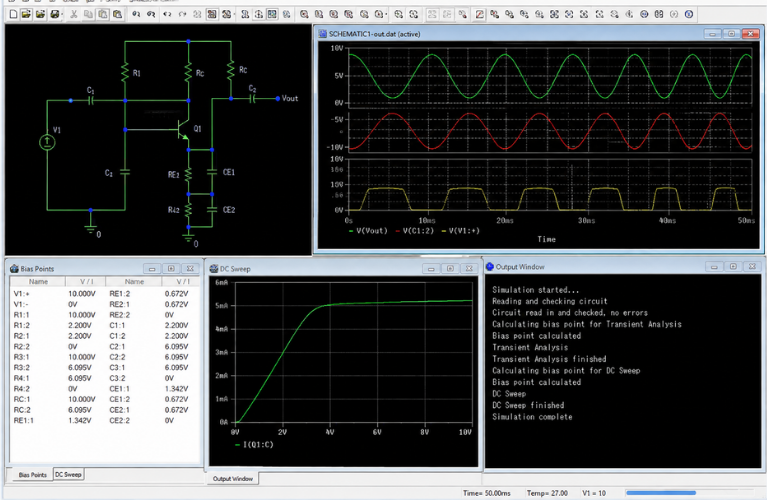
The "PSpice Advanced Analysis" toolset — unique simulation engines for performance, yield, cost, and reliability analysis.
Multi-Corner Monte Carlo
Run thousands of randomized simulations across PVT corners with component value distributions — predict production yield and identify failure modes before tape-out.
Optimizer Engine
Automatically tune component values to meet your performance targets — gain, bandwidth, settling time, ripple, efficiency. The Optimizer drives the design to the spec.
Parametric Plotter
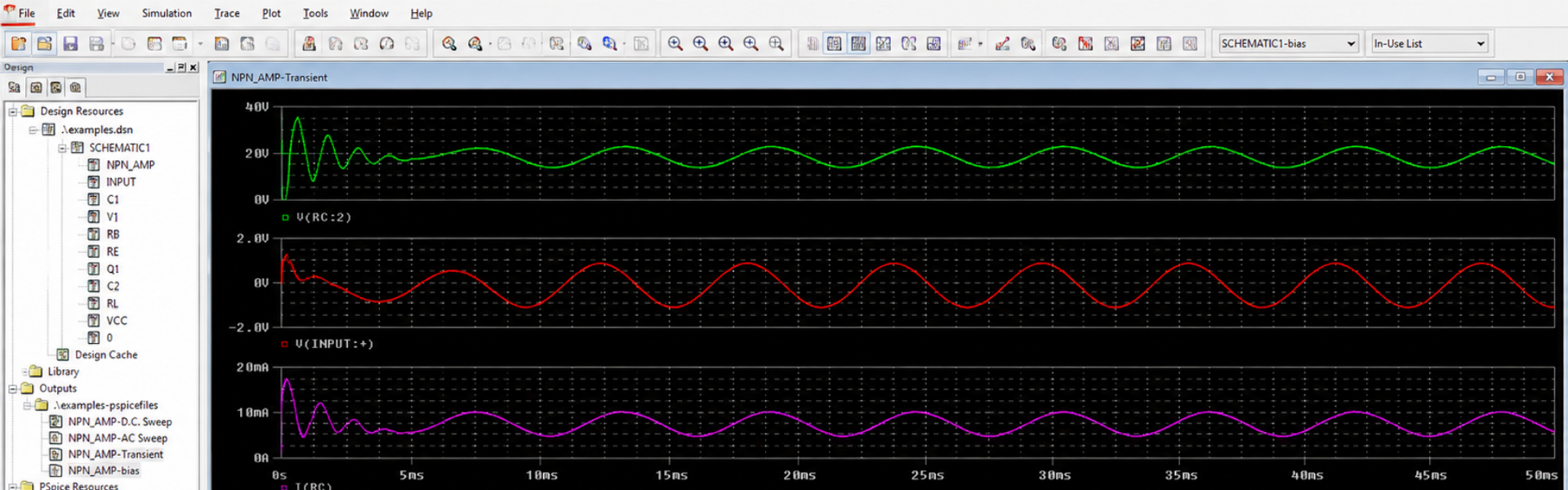
Visualize how circuit behaviour changes across a parameter sweep. Generate families of curves to spot sensitivities and select optimal nominal values.
Component Tolerancing
Define tolerance bands for every component and run worst-case sensitivity analysis. Identify which components most affect performance — then specify accordingly.
Worst-Case Timing
Validate digital and mixed-signal timing across worst-case conditions — catch setup, hold, and race conditions before silicon arrives.
Component Stress & Smoke
Identify components likely to fail under operating conditions — voltage, current, and power stress flagged with automated smoke-analysis reporting.
MATLAB Integration
Electro-Mechanical Co-Simulation
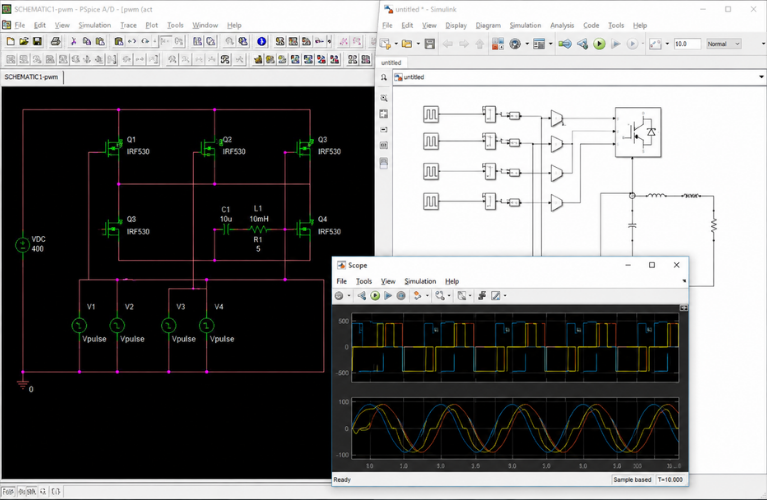
Bi-directional integration between PSpice and MATLAB Simulink creates a cohesive environment for full-system electro-mechanical analysis. Combine electrical simulations with system-level mechanical models. Use MATLAB's plotting capabilities directly inside PSpice.
- Bi-directional PSpice ↔ Simulink connectivity
- Combine electrical, mechanical, and control-system domains
- Run PSpice from inside Simulink models
- Stream simulation data between tools
- Use MATLAB plotting and analysis inside PSpice
- Customisable simulation settings end-to-end
DMI Models
Software / Hardware Co-Design
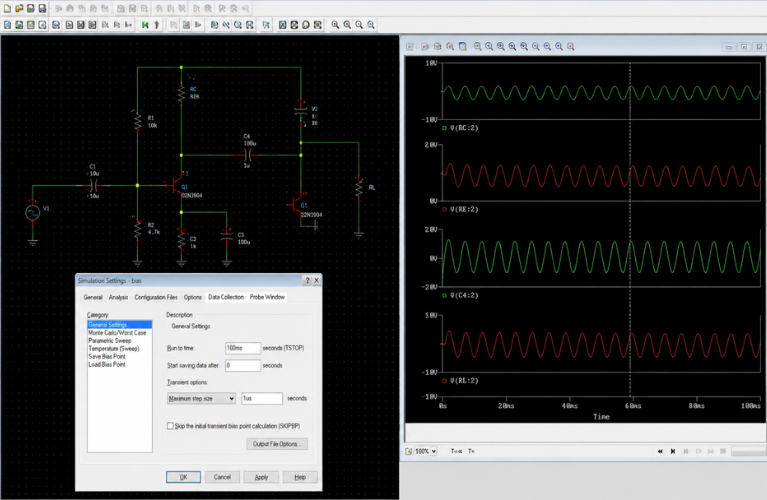
Device Model Interface (DMI) lets you virtually prototype components that are otherwise hard to model — define their behaviour with code. Build and compile models in SystemC, C++, Verilog A, or Verilog AMS, and use them inside PSpice as if they were native parts.
SystemC / C++
Verilog A
Verilog AMS
MATLAB code
- Capture algorithm-driven control logic in models
- Simulate state-machine and adaptive devices
- Test critical firmware algorithms virtually
- Support for common IDEs including Visual Studio
Is Designer Plus Right For You?
When to Choose PSpice Designer Plus
Designer Plus is right when…
- You need Monte Carlo, yield analysis, or optimization
- You design power, RF, or mixed-signal circuits at volume
- You co-simulate with MATLAB / Simulink for system-level analysis
- You build code-defined DMI models in SystemC, C++, or Verilog AMS
- You require worst-case timing or component tolerancing for signoff
- You're in automotive, mil/aero, or medical with rigorous validation needs
Designer may be enough if…
- You don't need yield-driven Monte Carlo or optimization
- You don't use MATLAB or DMI / code-defined modeling
- Your design size is large but standard SPICE analysis is sufficient
- Performance and Stress Analysis cover your validation needs
FAQs
Designer Plus — Common Questions
A unique toolset and set of simulation engines included only in Designer Plus — providing additional capabilities to analyse performance, yield, cost, and reliability. Covers Multi-Corner Monte Carlo, the Optimizer Engine, Parametric Plotter, and Component Tolerancing.
No — MATLAB is optional. Designer Plus integrates with MATLAB / Simulink if you have it, but the core advanced analysis (Monte Carlo, Optimizer, Tolerancing) works standalone inside PSpice.
Define component value distributions (Gaussian, uniform, etc.) and PVT corners. Designer Plus runs thousands of randomized simulations and reports yield, failure modes, and performance distributions. Use the results to set component tolerances and target production yield.
Specify the performance target (gain, bandwidth, settling, efficiency, ripple, etc.) and the components allowed to vary. The Optimizer iterates to find the component values that meet your spec — automated design tuning.
Device Model Interface — lets you define component behaviour with code (SystemC, C++, Verilog A, Verilog AMS) instead of standard SPICE primitives. Useful for control ICs, state machines, and software-driven dynamic devices that classical SPICE can't model directly.
Yes — all standard SPICE / PSpice models work as in Designer. DMI is an optional layer on top for code-defined parts.
Most of the additional features show up as new menu items / wizards in the same PSpice environment. The basic SPICE workflow is identical. Craftronics offers training specifically for the Advanced Analysis tier.
Yes — the 30-day free trial includes PSpice and the full OrCAD X PCB design suite. Contact Craftronics to set up an India-specific trial that includes Designer Plus features.
Get Started
Push PSpice Beyond Standard SPICE
Talk to Craftronics for licensing, training, and India-specific deployment of PSpice Designer Plus.