
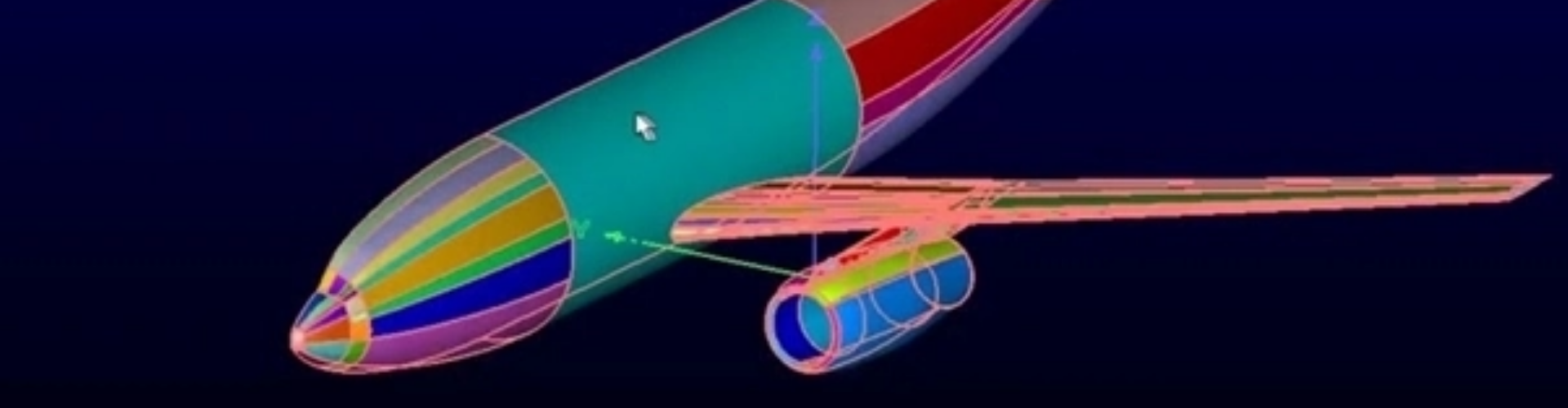
Automatic CAD Geometry Sealing
Cadence Fidelity Autoseal
Automatic geometry hole-sealing that turns dirty CAD into watertight, mesh-ready models. Production teams report shrinking week-long manual CAD-cleanup tasks down to about an hour — the same technology baked into the Fidelity pre-processing flow.
Overview
Stop Hand-Sealing CAD Before Every CFD Run
Most production CAD reaching a CFD analyst is not watertight. Gaps, missing faces, and open surfaces are the price you pay for collaborating across CAD teams. Hand-sealing those gaps is one of the largest hidden costs in CFD pre-processing — often days or weeks per model.
Autoseal automates that closure step. Drop in dirty CAD; get watertight geometry back. Downstream meshing — Hexpress, Autogrid, Pointwise — proceeds without the usual "fix the geometry first" loop.
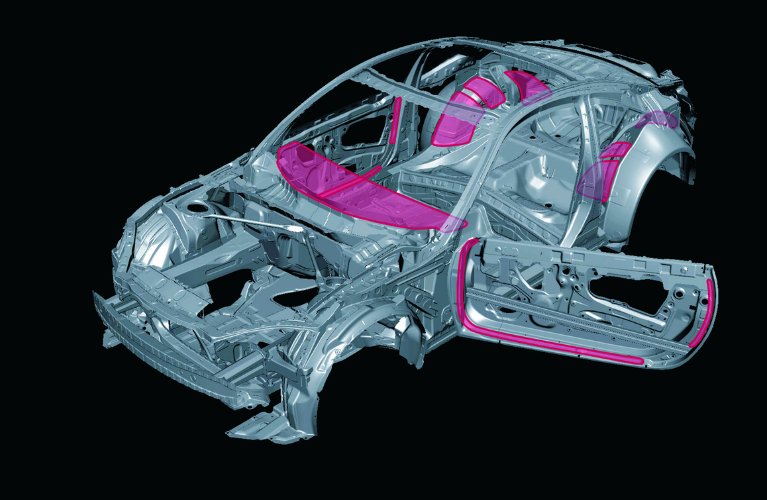
Typical CAD Sealing
Why It Matters
A Week-Long Task Becomes an Hour-Long Task
CAD-cleanup workflows that historically consumed a full engineering week per model — opening file, identifying every hole, hand-closing each one — are reported to compress down to about an hour with Autoseal. That's the difference between a CFD run being a quarterly investment and a daily iteration.
What It Does
Dirty CAD In, Watertight Geometry Out
Resolves Large Gaps
Closes large gaps and missing faces in imported CAD — not just hair-line cracks, but the kind of holes that block traditional meshers.
Preserves Geometry
Closes openings without distorting the design intent — sealing surfaces follow surrounding geometry rather than flattening features.
Fully Automatic
No manual surface fixing required. Drop CAD in, the algorithm decides where to seal based on geometric context.
Inside Hexpress & Autogrid
Available as a step inside the Fidelity meshing workflow — not a separate tool you have to round-trip through.
Scriptable
Part of the Python automation pipeline — run as a headless pre-step in batch CFD runs.
CAD-Agnostic
Works on common neutral and native CAD formats — no dependency on a specific upstream CAD platform.
Where It Fits
Step Zero of Every CFD Pre-Processing Run
Import CAD
Bring in CAD or STL from any common source — typical dirty production-grade geometry.
Autoseal
Automatic hole-sealing makes geometry watertight — the step that used to cost a week.
Mesh
Mesh in Hexpress, Autogrid, or Pointwise — the geometry is already mesher-ready.
Solve
Hand off the mesh to the CFD solver of choice — Fidelity Flow, OpenFOAM, Fluent, etc.
Related
Works Well With

Fidelity Hexpress
Full-hex / hybrid meshing — Autoseal feeds watertight geometry straight into Hexpress.
Learn More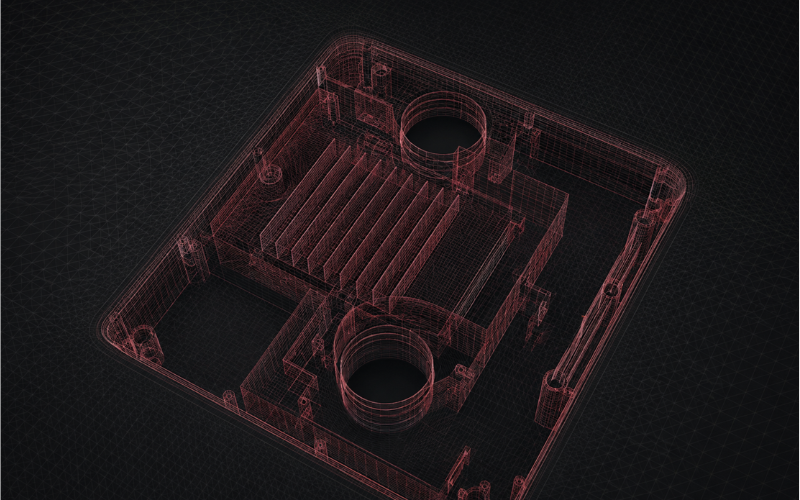
Fidelity Autogrid
Near real-time meshing — Autoseal is the geometry-prep stage of the Autogrid pipeline.
Learn More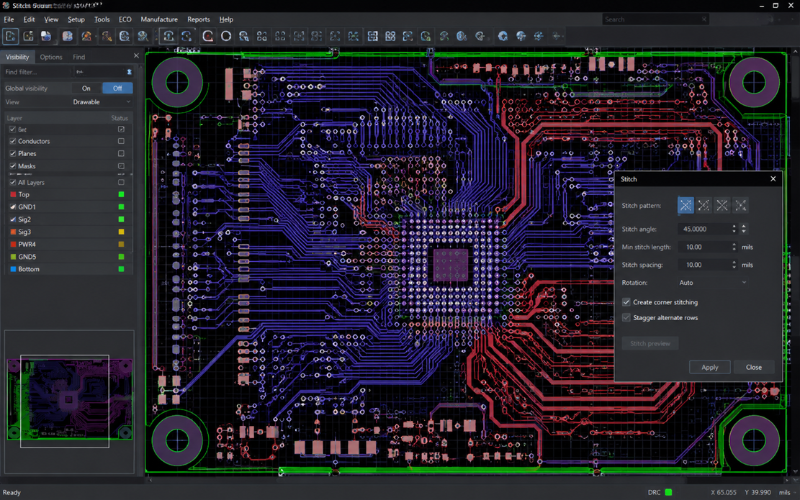
Fidelity Stitch
Surface stitching for disjoint surfaces — companion to Autoseal's hole-sealing.
Learn More
Get Started
Stop Hand-Sealing CAD
Talk to Craftronics about Fidelity Autoseal — the geometry-prep stage that turns a week into an hour.