

Automatic Surface Stitching
Cadence Fidelity Stitch
Automatic surface stitching that turns disjoint CAD surfaces and free edges into watertight, mesh-ready geometry. The companion to Autoseal — Stitch handles the surface-connectivity side of CAD cleanup so meshing can proceed without a hitch.
Overview
Disjoint Surfaces, Connected Automatically
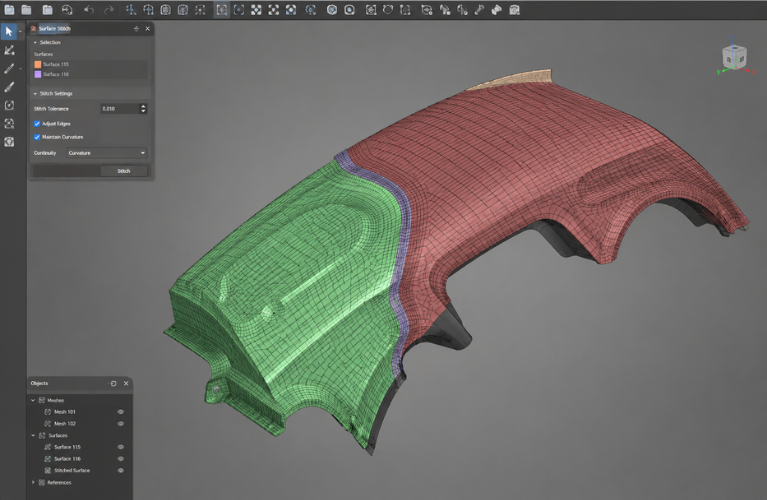
Imported CAD usually arrives as a collection of separate surfaces — not a single watertight body. Free edges between adjacent surfaces block downstream meshing because the algorithm can't tell whether the gap should be a flow boundary, an internal wall, or just a CAD artefact.
Fidelity Stitch identifies adjacent free edges, snaps them together with tolerance control, and produces a connected, mesher-ready surface topology. Stitch covers the surface-connectivity case the same way Autoseal covers hole-closure — together they form the CAD-cleanup stage of every Fidelity pre-processing run.
What It Does
Surface-Level CAD Cleanup, Automated
Free-Edge Detection
Automatic detection of adjacent free edges between disjoint surfaces — finds the candidates a human would otherwise have to hunt for.
Tolerance-Based Snap
Snap adjacent edges with tolerance control. Tune the threshold to match the geometry sloppiness in your incoming CAD.
Watertight Output
Output is a connected, watertight surface topology — every region the mesher needs is bounded; every free edge is reconciled.
Geometry-Preserving
Stitching preserves the underlying surfaces — design features remain identifiable for boundary-condition assignment downstream.
Pairs With Autoseal
Stitch handles surface connectivity. Autoseal closes large holes. Together they cover most production-CAD cleanup tasks.
Scriptable
Available in the Python automation pipeline — run as a headless step in batch CFD pre-processing.
Stitch vs Autoseal
Two Tools, Different Jobs
Most production CAD needs both. Pick the right one for the symptom you're seeing.
Use Stitch when…
- CAD imports as many separate surfaces, not one body
- The mesher complains about free / dangling edges
- Adjacent surfaces are almost-but-not-quite touching
- You see T-junctions or near-coincident edges
- Geometry is "correct" — just disconnected
Use Autoseal when…
- There are large holes or missing faces
- The CAD has visible "gaps" you can see through
- Hand-sealing the holes would take a week
- You need to close openings without distorting features
- Geometry is "incomplete" — surfaces are missing
Where It Fits
Part of the Fidelity Pre-Processing Pipeline
Stitch is one step in the CAD-cleanup phase before meshing. It works alongside Autoseal, then hands off clean, watertight geometry to Hexpress, Autogrid, or Pointwise for mesh generation.
Pipeline neighbours
- Upstream: CAD / STL import
- Pairs with: Fidelity Autoseal (holes)
- Output to: Hexpress / Autogrid / Pointwise
- Scriptable via: Python API
- Solver-ready downstream: Fidelity Flow, OpenFOAM, Fluent, more
Related
Works Well With
Fidelity Autoseal
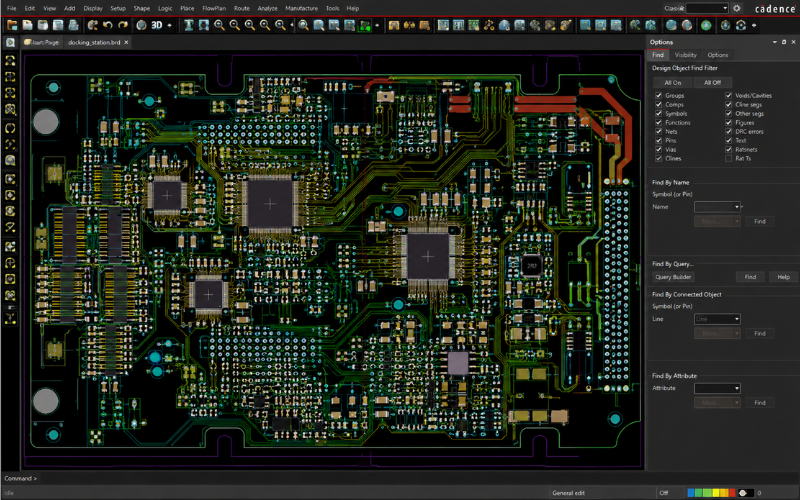
Automatic hole-sealing — the natural companion to Stitch for full CAD cleanup.
Learn More
Fidelity Hexpress
Downstream mesher — consumes the watertight geometry Stitch produces.
Learn More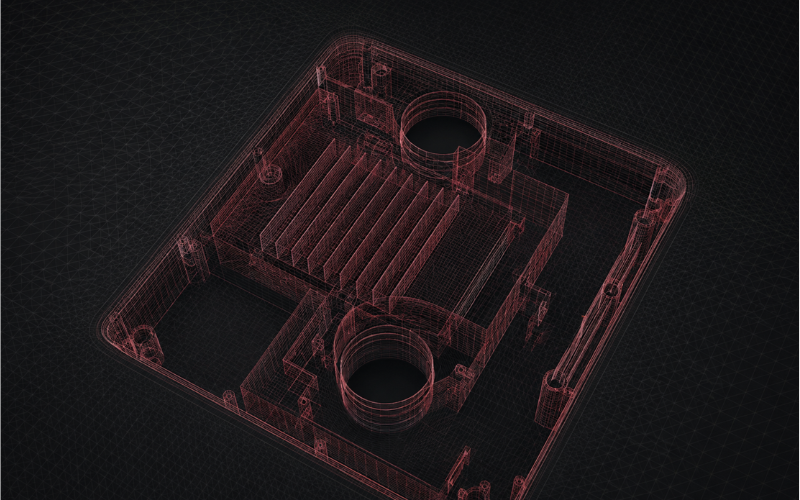
Fidelity Autogrid
Alternative downstream mesher — near real-time meshing on the stitched geometry.
Learn More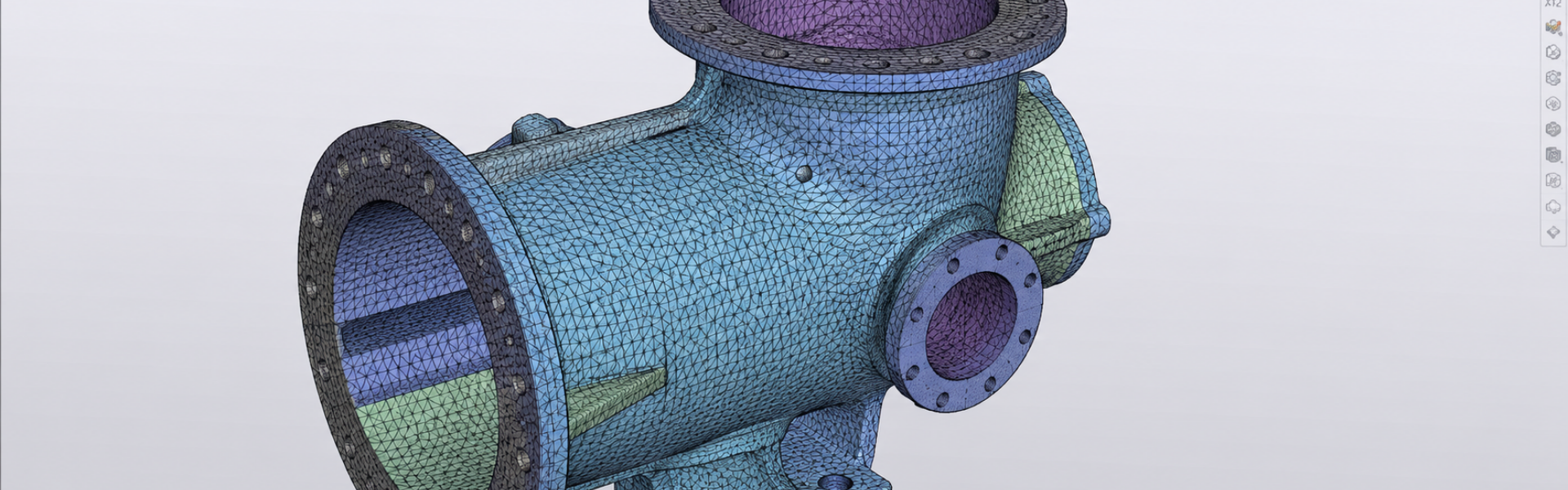
Get Started
Watertight Geometry, Automatically
Talk to Craftronics about Fidelity Stitch — the surface-stitching companion to Autoseal in the Fidelity pre-processing flow.